We’ve worked with hundreds of nonprofits, and while every organisation is different, they often face similar struggles. These include keeping track of donors and stakeholders, administering programs, managing different communication channels, or organising events and fundraising. Most of these challenges come down to one thing: bringing all their data together. That’s where a nonprofit CRM can help,and maybe that’s why you’re here.
This article covers why nonprofits need a CRM, the key features to look for, and tips to choose the right one for your organisation.
💡Core Features to Look for in a CRM for Nonprofits
Now, here are the core features every nonprofit CRM should have. When reviewing CRM options, try asking yourself these questions to see if the software fits your needs:
Donor Management: Can it help you track donor information and give history easily?
Program Management: Can you easily track enquiries, enrollment phases and attendance for your various programs?
Communication Tools: Does it make communicating with donors, volunteers, and other stakeholders, simple for your team?
Event Management: Can it handle event registrations, payments, and send reminders or follow-ups?
Fundraising Integration: Does it integrate with donation platforms to track gifts and campaigns in one place?
Reporting and Analytics: Does it generate reports you can use to measure success and guide decisions?
Automation: Can it automate repetitive tasks like data cleanliness, enquiry routing, and follow-up emails?
Data Security & Compliance: Is it compliant with the relevant data security and privacy regulations?
Your nonprofit will function more efficiently and create enduring connections with these features.
💡Tips for Choosing the Right CRM for your Nonprofit
Choosing the right CRM for your nonprofit can be overwhelming, so here’s a list of things to consider:
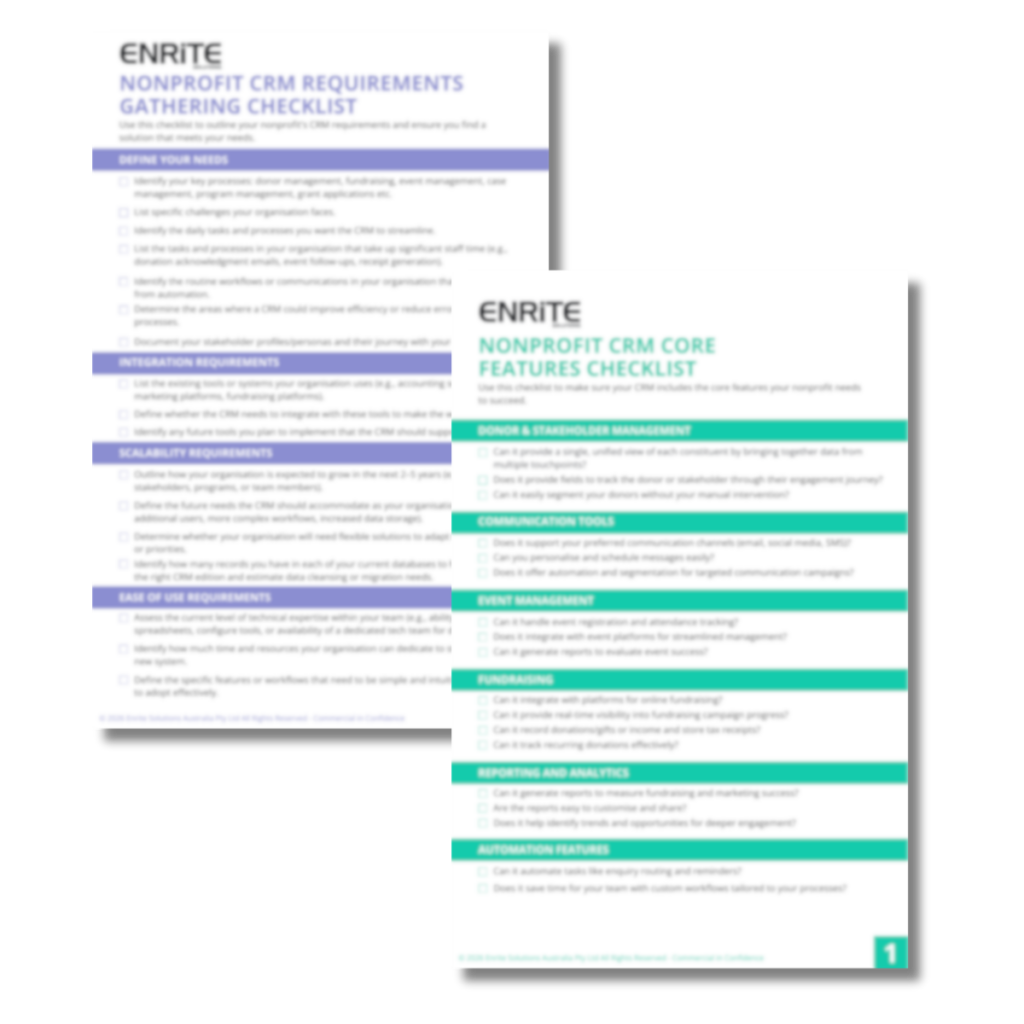
Understand Your Needs: Start by identifying the challenges your nonprofit faces and the key tasks you handle every day. Are you keeping track of donor details, managing donations, overseeing client cases, or working on grant applications? From there you can put together a requirements list, making it easier to identify CRMs that do and don't fit your needs. Get started quickly by using our Nonprofit CRM Requirements Checklist and Nonprofit CRM Core Features Checklist to guide your evaluation and make sure you cover all essential areas.
Integration Capabilities: Ensure the CRM integrates well with the tools you already have or plan on getting, such as accounting software or email marketing platforms. This saves time and ensures your scalability.
Consider Scalability: As your nonprofit grows, your CRM should grow with you. Prepare for that growth by looking for solutions that can easily scale, offering the flexibility to handle things such as increased data, users, automations, integrations, customisation and functionality as your organisation expands.
Ease of Use: Does the CRM have a user-friendly interface? Can it be designed to simplify daily tasks? Additionally, check if the provider offers extensive training resources and support.
Customer Support: It's critical to have dependable customer service. Verify that the CRM provider provides prompt, easily accessible assistance when needed.
Security is Key: Safeguarding donor and stakeholder data is crucial for trust and compliance. Does the CRM offer strong security features like encryption, user access controls, and data backups to protect sensitive information and meet privacy regulations?
Keep Your Budget in Mind: CRMs vary in price. Make sure the one you choose fits your budget while providing the features you need, and ask experts about pricing. Some CRMs offer flexible pricing options based on your nonprofit's size and needs. Be sure to look for a CRM that provides good value over time and can grow with you.
❓Considering Salesforce as a CRM for Your Nonprofit Organisation?
Salesforce is a powerful platform with features designed to help nonprofits start strong and grow sustainably, but we understand it’s not the right fit for every organisation. While some may think it’s expensive, Salesforce has flexible pricing and discounts for nonprofits, making it more affordable than many realise. Salesforce’s Power of Us program offers 10 free licenses for their Enterprise Edition for eligible nonprofits– read more here. However, there is more to a Salesforce project than just the license costs, that’s why engaging with an integrous partner early is crucial.
At Enrite Solutions, we’re here to provide a thoughtful, honest assessment of your needs, budget, and goals. If Salesforce is the right solution, we’ll help you make the most of it. And if it’s not, we’ll let you know. Message us to start the conversation. We’re here to help you find what works best for your organisation.
➡️Get Your Nonprofit CRM Checklists
Choosing the right CRM can feel like a big task, but we’re here to help. We’ve put together two simple checklists to make the process easier:
Nonprofit CRM Requirements Gathering Checklist Put together your requirements easily to find a CRM that fits your organisation.
Nonprofit CRM Core Features Checklist A clear list of must-have features, with questions to guide your decision.
Just fill out the form below, and we’ll email the checklists straight to you.
Get Your Free Nonprofit CRM Checklists
Get clarity on what your organisation truly needs in a CRM and avoid costly mistakes when evaluating vendors.
❓FAQs About Using Salesforce as a CRM for Nonprofits
As a Salesforce partner, we have worked with many nonprofits to implement Salesforce as their CRM. We understand that choosing the right platform can be confusing, especially with so many options available.
Here are some common questions we get about using Salesforce as a CRM for nonprofits, including what’s free and how it works.
Is Salesforce free for nonprofits?
Yes, eligible nonprofits get 10 free user licenses through Salesforce’s Power of Us Program. While the CRM is free to start, many organisations choose to work with a Salesforce Partner to customise and implement it based on their needs.
What is included in the free Salesforce licenses for nonprofits?
The Power of Us Program includes the first 10 licenses for the base Enterprise Edition of Nonprofit Cloud for eligible nonprofits.
How can a nonprofit qualify for free Salesforce licenses?
To qualify, your organisation must be a registered nonprofit, charity, or NGO. You’ll need to apply through the Power of Us Program and provide proof of your nonprofit status. Once approved, you’ll get access to 10 free licenses.
Does a nonprofit need a consultant to implement Salesforce?
Not always. Some nonprofits try to set it up themselves, with an in-house tech team. However, in-house teams may lack the specialised expertise required to implement Salesforce effectively. That’s why many choose to work with a Salesforce Partner. They bring the knowledge and experience needed to implement the system efficiently, tailor it to your programs, and ensure your team can use it successfully over the long term.
Can we customise Salesforce to fit our nonprofit’s needs?
Yes, Salesforce is known for being highly customisable.
Is Salesforce too complex for small nonprofits?
It depends. Salesforce can be a lot to learn at first, especially if your team isn’t very tech-savvy or if you need lots of features. But many small nonprofits still use it successfully, it just takes time to set up and get used to.
How long does it take to implement Salesforce for a nonprofit?
Our Quickstart service for smaller Nonprofit Cloud implementations average 6-8 weeks. Medium and larger organisations with more complex requirements can take several months to implement.
Can Salesforce integrate with other tools we already use?
Yes. You canexplore Salesforce AppExchange, which is the official marketplace listing thousands of apps and tools you can integrate with Salesforce. Salesforce can also integrate with other tools via various methods such as API, MuleSoft, or custom code . Speak to us to discuss your integration needs.
Do we need to train our team to use Salesforce?
Yes, some training is recommended. Salesforce has a lot of features, so giving your team time to learn will help them use it well. Many nonprofits use free tools like Trailhead or work with a Salesforce Partner for tailored training.
What types of nonprofits use Salesforce?
All kinds! From small community groups to large international NGOs. Nonprofits focused on education, health, environment, advocacy, and social services all use Salesforce to manage donors, stakeholders, programs, volunteers, and more.
It’s that time again - Summer has bloomed for our northern hemisphere neighbours, and so have the latest Salesforce updates! We’ve dug through the Summer ‘26 release notes and handpicked the most exciting features for business users and admins. Check out our latest blog, where we break down the highlights and what they mean for […]
The Salesforce Summer ‘26 release is here, and it's a significant one! There is a strong focus on AI-powered automation, enhanced service capabilities, deeper Slack integration, and platform security improvements, all aimed at improving how organisations build, manage, and secure their Salesforce environments. Depending on your instance, you'll be upgraded on one of the following […]
When most organisations begin their journey toward system optimisation, they start with the Salesforce Health Check. It is the industry-standard starting point, and for good reason. But a "healthy" org isn’t just one that is secure; it’s one that is purpose-built to scale. True System Maturity is the transition from a passive database to an […]
In the spirit of reconciliation Enrite Solutions acknowledges the Traditional Custodians of Country throughout Australia and their connections to land, sea and community. We pay our respect to their Elders past and present and extend that respect to all Aboriginal and Torres Strait Islander peoples today.